








Comparing Configurable Model Instance Versions
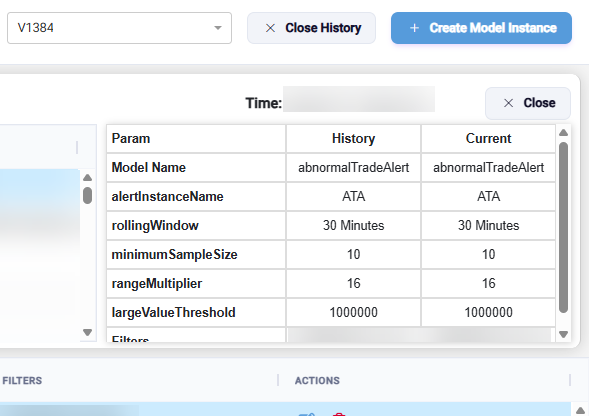
From the Get History screen, you can compare the current state of a model instance to the past state of the same model (or a different model) instance to see the differences in the parameters.
To compare configurable model instance versions,
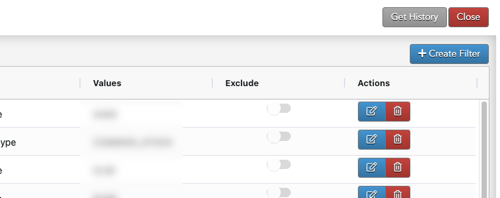
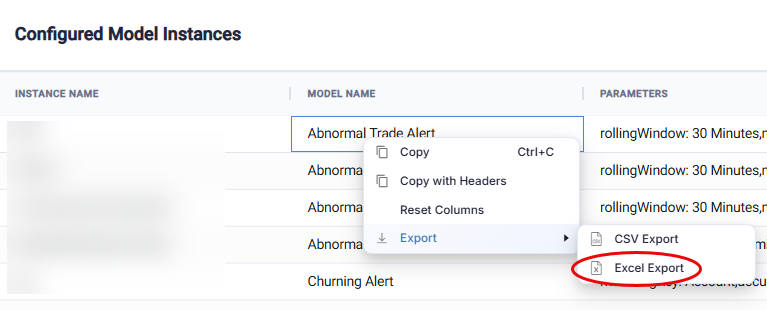
- From the Configured Model Instances screen, click the Get History button.
- Select a version.
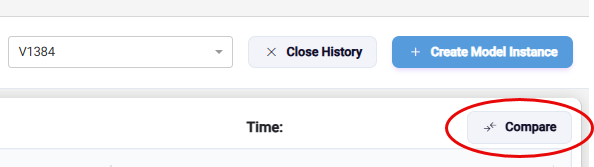
- Click the Compare button.
- Select a previous version of the model instance in the top section of the screen.
- Select the current version of the model instance in the bottom section of the screen.

The “History” and “Current” columns show the parameters for the two configurable model instance versions: