
Note You must create at least one Watch List before any clusters can be added.
To create a new Watch List:
- Click the Watch List tab.
- In the upper-left corner, click +add.
- Enter a List Name and Description.
- Click Save.
- Add clusters to the Watch List.
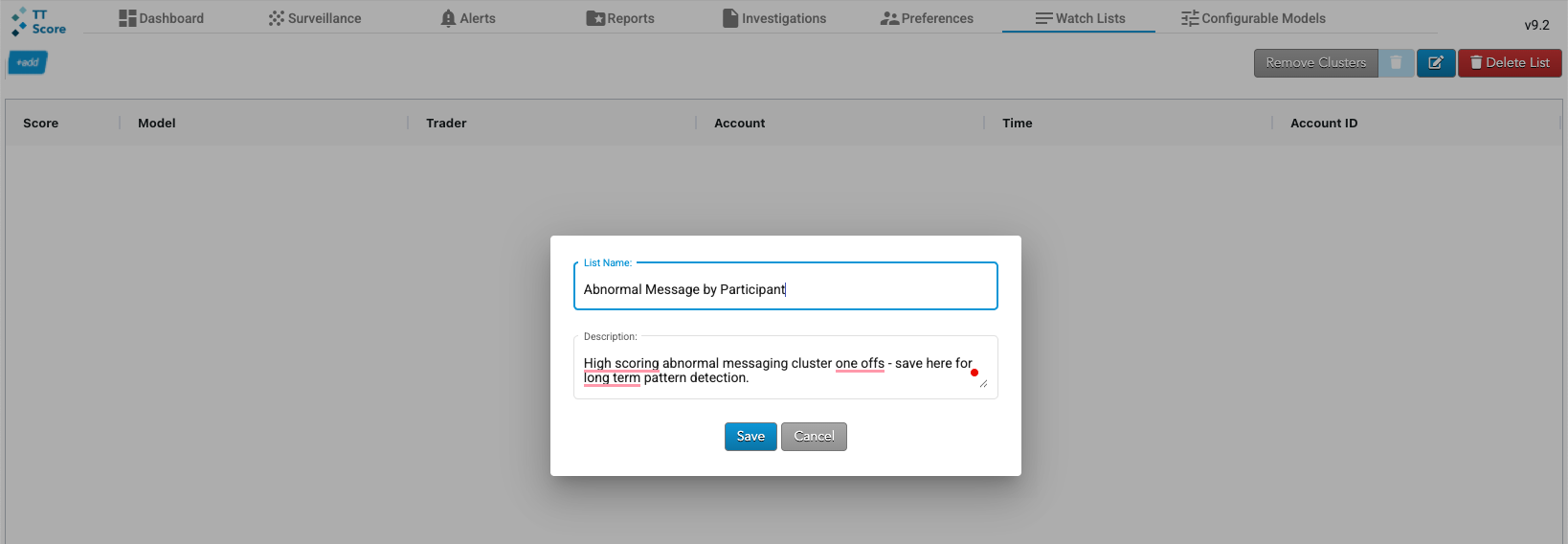
The list is displayed as a tab in the upper-left corner.
You can edit and delete Watch Lists at any time using the buttons in the upper-right corner.