






You can copy the text from the list in the Configured Model Instances screen along with the column headers (Instance Name, Model Name, Parameters, Filters) and paste the text into another application.
Copying Configurable Model Row Text without Headers
To copy the text of the configured model row without the column headers:
- From the Configured Model Instances screen, select one or more cells.
- Right-click anywhere in the row.
- Click Copy.

You can now paste the text into another application.
Copying Configurable Model Row Text with Headers
To copy the text of the configured model row including the column headers:
- From the Configured Model Instances screen, select one or more cells.
- Right-click anywhere in the row.
- Click Copy with Headers.
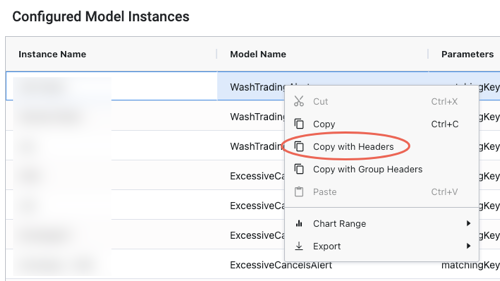
You can now paste the text into another application.